by
by 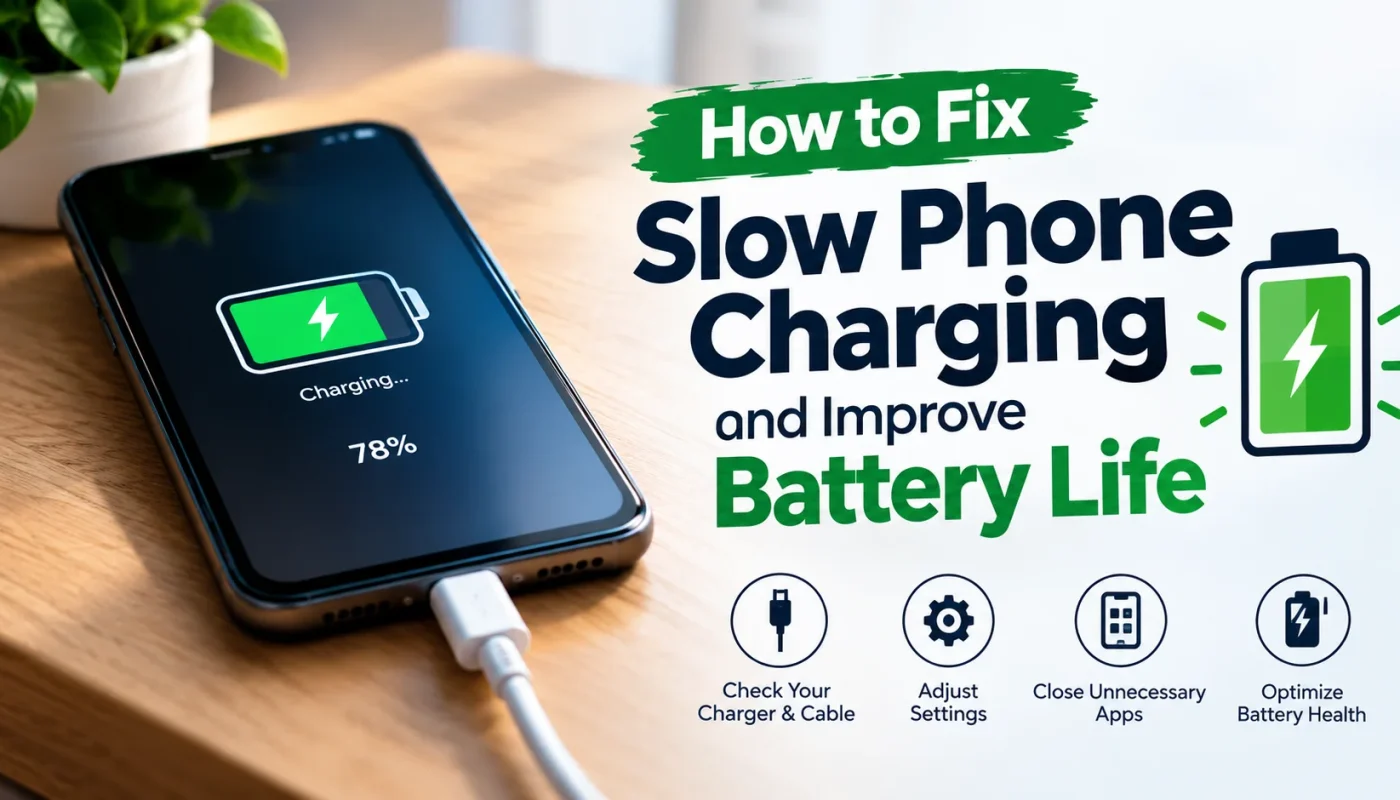
How to Fix Slow Phone Charging and Improve Battery Life is a common problem for almost every smartphone user at some point. You plug your phone in expecting the battery to jump quickly, but after 30 minutes, it has barely moved. Even worse, you may notice that your phone takes forever to charge and then loses that battery percentage surprisingly fast.
Before you blame the battery, take a breath because slow charging does not always mean your battery is damaged. A worn-out cable, dirty charging port, excessive heat, background apps, charging settings, or an aging battery can all affect charging performance. The good news is that many phone charging problems can be fixed with a few simple changes. Let’s look at the most common causes and learn how to fix slow phone charging and improve battery life without making things complicated.
Why Is My Phone Charging So Slowly?
There is nothing more annoying than seeing the same battery percentage for what feels like forever. You connect your phone before going to bed, and in the morning, you discover that it still has not reached 100 percent. If this sounds familiar, several factors could be responsible.
- One of the most common causes of slow phone charging is a damaged or low-quality charging cable. A cable can look completely fine on the outside while having internal damage that affects the flow of power. Try another compatible cable and see whether the charging speed improves.
- Your charging adapter can also affect charging performance. Different phones support different charging speeds, and a basic adapter may not provide enough power for faster charging. If you recently changed your charger, that could explain why your phone suddenly seems slower.
- A dirty charging port is another problem that is easy to overlook. Small amounts of dust, lint, and debris can prevent the cable from making a proper connection. This can result in slow charging, intermittent charging, or a cable that feels loose.
- Heat is another major factor. When your phone gets too hot while charging, its charging system may reduce the charging speed to protect the battery and internal components.
- Your phone may also be charging normally while using power at the same time. For example, watching YouTube, playing games, using GPS, or making a video call while charging can make it appear that your phone is charging slowly.
- Battery age matters as well. Lithium-ion batteries naturally lose capacity over time, so an older phone may not perform like it did when you first bought it.
How to Fix Slow Phone Charging
Now that you know the possible causes, let’s focus on how to fix slow phone charging with practical steps. Start with the easiest solutions before assuming that you need professional repair.
1. Check Your Charging Cable
The charging cable should be the first thing you inspect. Look for frayed sections, bent connectors, loose plugs, or visible damage. If your phone repeatedly starts and stops charging when the cable moves, there could be a problem with the cable or charging port. Testing another compatible cable can help you identify the source of the problem quickly.
2. Check Your Charging Adapter
A charger that provides limited power may charge your phone much more slowly than expected. Check your phone’s specifications to understand what charging power and charging standard it supports.
If you have another compatible adapter available, test it for comparison. If charging becomes noticeably faster, the original adapter may be the reason for the slow phone charging.
3. Clean the Charging Port
A dirty charging port can cause surprisingly frustrating charging problems. Turn off your phone and carefully inspect the port for visible dust or lint.
Do not use sharp metal objects or force anything inside the port because you could damage the charging contacts. If the port appears damaged or heavily blocked, professional cleaning may be safer than trying to fix it yourself.
4. Stop Using Your Phone While Charging
If you want to fix slow phone charging, give your phone a break while it is plugged in. Heavy tasks such as gaming, video editing, streaming, and video calls can consume a lot of power.
Think of it this way: your charger is trying to fill the battery while your phone is simultaneously spending that energy. Leaving the screen off and avoiding demanding apps can help your phone charge more efficiently.
5. Keep Your Phone Cool
Heat can affect both charging speed and long-term battery health. Avoid charging your phone under a pillow, inside a hot car, or in direct sunlight.
If your phone becomes unusually hot while charging, remove any thick case that may be trapping heat and move the phone to a cooler location. Never put a hot phone into a freezer or use extreme cooling methods.
6. Restart Your Phone
Sometimes a simple restart can solve temporary software problems affecting charging or battery usage. If your phone suddenly starts charging slowly without any obvious physical problem, restart it and check the charging speed again.
7. Update Your Software
Software updates can include improvements to power management, battery performance, and charging behavior. Check your phone’s system settings for available updates and install them when appropriate.
If the slow charging problem started immediately after a software change, check the manufacturer’s support information for known issues and fixes.
How to Improve Phone Battery Life
Fixing slow phone charging is only half the battle. If your battery drops rapidly throughout the day, you also need to improve phone battery life.
1. Reduce Screen Brightness
The display can consume a significant amount of battery power, especially when brightness is set very high. Use automatic or adaptive brightness when available, or manually lower the brightness to a comfortable level.
You can also reduce the screen timeout so the display turns off sooner when you stop using the phone.
2. Check Battery-Draining Apps
Your phone’s battery settings usually show which apps are consuming the most power. If one app is using an unusually large amount of battery, investigate whether it needs to run constantly in the background.
Social media, video streaming, navigation, and gaming apps can consume considerable power depending on how you use them.
3. Turn Off Unnecessary Features
Bluetooth, GPS, mobile hotspot, and other connectivity features can use additional battery power when they are actively working. Turn off features you do not need, especially when you are trying to make your battery last longer.
You do not need to disable everything all the time. The goal is simply to avoid wasting power on features that you are not using.
4. Use Battery Saver
Most modern smartphones include a battery-saving mode. Battery Saver can reduce background activity and limit certain functions when your battery is running low.
It is particularly useful when you are away from a charger and need your phone to last until the end of the day.
Is Fast Charging Bad for Battery Health?
Fast charging is not automatically bad for your battery. Modern smartphones are designed with charging systems that manage power and temperature during the charging process.
However, heat is an important consideration. Repeated exposure to excessive heat can contribute to faster battery degradation over time.
This is why you should avoid placing your phone somewhere extremely hot while using fast charging. If your phone becomes unusually hot during charging, give it some space to cool down.
Fast charging is useful when you are in a hurry, while slower charging can be perfectly suitable when you have plenty of time. The important thing is to keep the phone within a reasonable temperature range and use compatible charging equipment.
How to Charge Your Phone for Better Battery Health
If you want to improve battery life, the way you charge your phone matters. You do not need to obsess over every percentage, but a few sensible habits can help.
- Avoid regularly exposing your phone to excessive heat while charging. Keep the phone on a hard, well-ventilated surface rather than underneath blankets or pillows.
- If your phone includes optimized or adaptive charging, consider enabling it. These features are designed to manage charging patterns in ways that can help reduce unnecessary time spent at a very high charge level.
- Avoid intentionally draining the battery completely on a regular basis. Modern lithium-ion batteries do not require frequent full discharge cycles to maintain their performance.
- You also do not need to panic if your phone reaches 100 percent occasionally. The bigger concern is consistently exposing the battery to high temperatures and poor charging conditions.
Also Check: How to Delete Google Search History Permanently – Android, Chrome & PC
When Should You Replace Your Phone Battery?
Sometimes slow charging is not caused by the charger, cable, or software. If your phone is several years old and the battery drains quickly, the battery itself may have significantly degraded.
1. Frequent unexpected shutdowns can be another warning sign. You may also notice that the battery percentage falls unusually quickly or that the phone struggles to remain powered during normal use.
2. A swollen battery is a much more serious warning sign. If the phone’s back panel begins separating from the body or the battery appears swollen, stop using the device and seek professional service.
3. Battery replacement can restore useful battery performance on some older phones. However, the decision depends on the phone’s overall condition, replacement cost, and how long you plan to keep the device.
Slow Charging vs. Battery Drain: What’s the Difference?
Slow charging and battery drain may sound like the same problem, but they are actually different.
| Problem | Meaning | Example | What to Check |
|---|---|---|---|
| Slow Charging | Slow charging means your phone takes longer than expected to increase its battery percentage while connected to power. | Your phone might charge from 20 percent to 80 percent very slowly. | Investigate the charger, cable, port, and charging conditions first. |
| Battery Drain | Battery drain means the battery loses power quickly during normal use. | Your phone may charge normally but drop from 80 percent to 30 percent within a few hours. | Check battery usage and battery health instead. |
| Both Problems | Sometimes both problems happen together. | An aging battery, excessive background activity, heat, or software problems can contribute to both slow charging and rapid battery drain. | Check the battery, background activity, heat, and software. |
If your phone charges slowly but lasts normally throughout the day, investigate the charger, cable, port, and charging conditions first. If it charges normally but loses power extremely quickly, check battery usage and battery health instead.
Final Thoughts
Learning how to fix slow phone charging and improve battery life does not have to be complicated. In many cases, the solution starts with simple things such as checking the charging cable, inspecting the charging port, reducing heat, and avoiding heavy phone usage while charging.
You can also improve battery life by reducing unnecessary screen brightness, controlling background apps, using battery-saving features, and keeping your phone at a reasonable temperature. If your phone is old, constantly overheating, shutting down unexpectedly, or showing signs of a swollen battery, professional inspection is the safer choice.
The next time your phone seems to charge painfully slowly, do not immediately assume that the battery is finished. Work through these troubleshooting steps one by one, and you may find that a simple change solves the problem.
Frequently Asked Questions
Why is my phone charging so slowly?
Slow phone charging can be caused by a damaged cable, weak or incompatible charger, dirty charging port, excessive heat, background apps, software issues, or an aging battery. Start by checking the cable and adapter, then inspect the charging port and make sure the phone is not overheating.
How can I make my phone charge faster?
To make your phone charge faster, use compatible charging equipment, avoid demanding apps while charging, keep the phone cool, and make sure the charging port is clean. Turning off unnecessary activities and leaving the screen off while charging can also reduce power consumption.
Does using your phone while charging slow it down?
Yes, using your phone while charging can make it appear to charge more slowly because the device is consuming power at the same time. Gaming, streaming, navigation, and video calls can use particularly large amounts of energy. If you need your phone to charge quickly, avoid heavy usage and leave the screen off whenever possible.
Does fast charging reduce battery life?
Fast charging itself does not automatically mean that your battery will wear out quickly. Modern phones are designed to manage charging power, but excessive heat can contribute to battery degradation over time. Keeping your phone cool while charging is one of the most useful habits for maintaining battery health.
Why does my phone charge slowly after 80%?
It is normal for many smartphones to slow down charging as the battery approaches a high charge level. This is part of the phone’s charging management system and helps control heat and stress on the battery.
So, if your phone charges quickly from 20 to 50 percent but appears slower from 80 to 100 percent, that does not necessarily indicate a charging problem. In many cases, slower charging near the top of the battery range is intentional.